01
Dignity First
Begin with respect, choice, and the least intrusive assumptions.
Stay ready with an overhead tote, four pull-out edge drawers, eighteen original lessons, and privacy-preserving local controls.
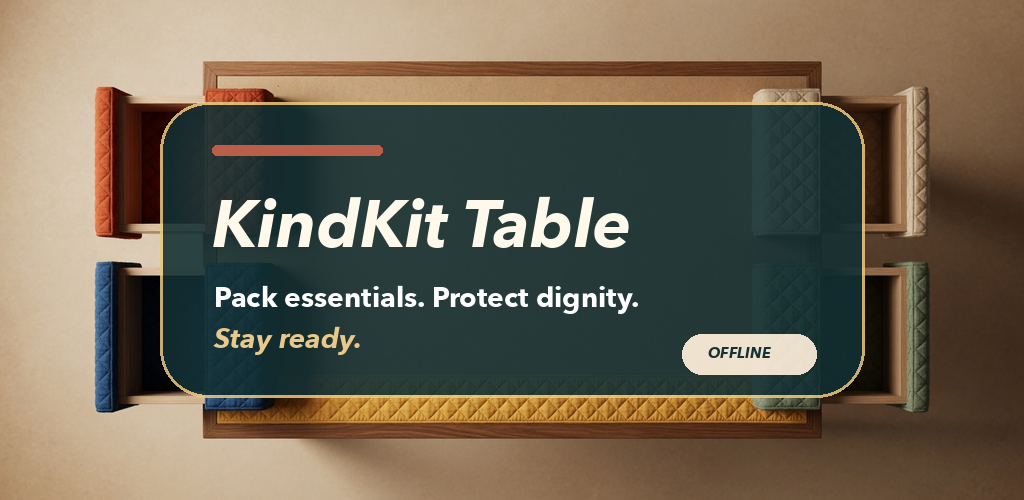
KindKit Table is a fully offline Android experience. A central visual tote fills with fixed generic item tokens while four edge drawers organize Notice, Choose, Pack, and Check. An accessible named Add or Remove button is available for every item; dragging is always optional.

Begin with respect, choice, and the least intrusive assumptions.
Read the setting before filling the tote.
Consent and broad choices make a generic kit more useful.
Pack labeled staples without pretending one menu fits everyone.
Choose sealed water supplies that remain practical to carry.
Keep clothing clean, dry, adaptable, and easy to exchange.
Treat fit and condition as real-world decisions.
Protect privacy and keep hygiene choices neutral.
Build a small, usable layer for immediate daily tasks.

There is no name, address, birthday, photo, allergy, health, income, eligibility, story, message, upload, account, or free-text field. State remains in app-private preferences. Android backup and device transfer are disabled, and local clear/reset controls remain visible.
Read all 18 policy sections